Pardon guide
Pardon puts a branded, modern message on a Windows user's screen and tells you exactly what they did with it. You run one small exe from your RMM, Intune or a script, hand it a JSON "campaign", and get back a JSON result and an exit code.
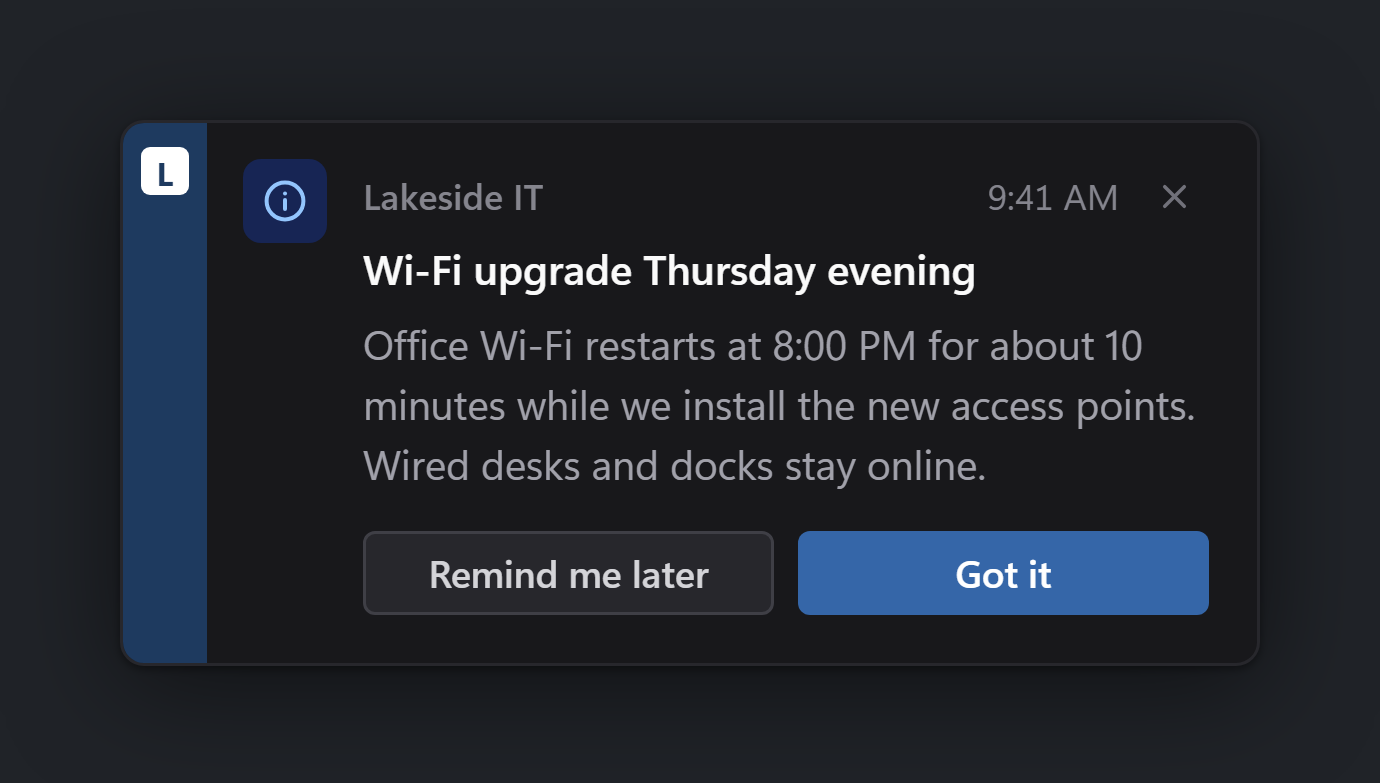
It is built for small IT teams and MSPs: no agent, no server, no prerequisites. The exe is about 5 MB and installs the one thing it needs (Microsoft's WebView2 runtime) by itself if a machine lacks it.
What it can show today
| Surface | What it is for | Guide |
|---|---|---|
| Toast | A short heads-up in the bottom-right corner | Notifications |
| Dialog | A longer announcement, centred on screen | Notifications |
| Reboot prompt | "Restart by Friday; defer if you need to" | Reboot campaigns |
| Restart countdown | The final, non-dismissable countdown | Reboot campaigns |
| Ping | One-tap feedback: "How's the Wi-Fi today?" | Surveys and pings |
| Survey | A few short questions, one per screen | Surveys and pings |
Read these in order
- Getting started: run your first notification and read its result. Ten minutes.
- Notifications: toasts and dialogs, buttons, severity, timeouts and expiry.
- Reboot campaigns: deadlines, deferrals, the countdown, and how Pardon actually restarts a machine.
- Surveys and pings: asking questions and getting the answers back.
- Deploying with an RMM or Intune: running as SYSTEM, multiple signed-in users, collecting results.
- Sending results to a webhook: posting every answer to your own endpoint, signed.
- Hosted campaigns: no RMM needed; a scheduled task, a URL, and show-once.
- Quiet hours and busy users: not interrupting presentations or evenings.
- Branding: your colour and name on every card.
- Troubleshooting: exit codes 10 and 11, WebView2, and other things that go wrong.
When you need exact flags, fields or exit codes, the reference (reference coming soon) has them, and templates/ (reference coming soon) has ready-made scripts for common RMMs and Intune.
For the people receiving the messages, What your staff will see is a one-page explainer you can send round before your first campaign.
A note on the screenshots
Every picture in this guide is rendered from Pardon's own UI bundle (the same files the exe ships), at 3x scale, in both light and dark mode. You see whichever matches your device's light or dark setting; Pardon itself follows the Windows light or dark setting.
A note on names
Pardon was called HeadsUp while it was being built. These pages use the new names throughout, including pardon.exe, the C:\ProgramData\Pardon folder, the PARDON_* environment variables and the X-Pardon-* webhook headers.